

 IN
IN

Choosing the right router can make a noticeable difference to your internet experience, especially when your home or business has multiple connected devices. If you are comparing tp link vs asus router options, the right choice depends less on the brand name and more on what you need from your network.
Both TP-Link and ASUS offer routers across a wide range of price points and performance levels. Their lineups include Wi-Fi 6 and Wi-Fi 7 models, multi-gigabit Ethernet, mesh networking, parental controls, security features, and gaming-focused options.
So, which brand is better? The honest answer is that it depends on your use case, home size, internet speed, device count, and the features you actually plan to use.
TP Link vs Asus Router: A Quick Comparison
| Feature | TP-Link | ASUS |
|---|---|---|
| Best known for | Wide range of home and business networking products | Advanced home, gaming, and enthusiast networking |
| Wi-Fi 6/7 options | Yes | Yes |
| Mesh ecosystem | EasyMesh on compatible models | AiMesh |
| Gaming features | Available on selected models | Particularly strong on gaming-focused models |
| Business networking | Strong Omada ecosystem | More focused on consumer and enthusiast networking |
| App-based management | Tether on supported products | ASUS Router app on supported products |
| Security features | HomeShield on supported models | AiProtection on supported models |
| Multi-gig networking | Available on newer models | Available on newer models |
| Ideal buyer | Users wanting variety and straightforward networking options | Users wanting advanced controls, gaming features, or AiMesh |
The key point is that these are brand-level tendencies, not rules for every router. A premium TP-Link router can outperform an entry-level ASUS model, and the reverse can also be true.
TP Link vs Asus Router for Everyday Home Use
For a typical household, the best router is usually the one that provides reliable coverage, enough capacity for your devices, and an interface you are comfortable managing.
TP-Link has a broad selection of mainstream routers, including affordable models as well as newer Wi-Fi 7 devices. If you are comparing different TP-Link routers, consider the number of devices in your home, your internet plan, and whether you need features such as mesh networking or multi-gigabit Ethernet.
ASUS also offers a wide selection of wireless routers, ranging from affordable home models to high-performance Wi-Fi 7 and gaming products.
For everyday browsing, streaming, video calls, smart-home devices, and general work, you don't necessarily need the most expensive router available.
Instead, look at:
- Your internet plan speed
- Number of connected devices
- Home size and layout
- Number of floors
- Ethernet port speeds
- Wi-Fi generation
- Mesh requirements
- Security and parental-control needs
TP Link vs Asus Router for Gaming
Gaming is where the comparison becomes more interesting.
A gaming router needs to do more than advertise high wireless speeds. Latency, network congestion, wired connectivity, traffic management, and device prioritization can all influence the experience.
ASUS has a particularly strong presence in gaming networking through its ROG and TUF product families. Many ASUS gaming routers include features designed to prioritize gaming traffic and simplify NAT configuration.
TP-Link also has gaming-focused routers and high-performance Wi-Fi 7 products designed for high-throughput, low-latency applications.
Which Is Better for Gamers?
If you want a router with a strong emphasis on gaming controls and enthusiast-level customization, ASUS may have the edge.
If you want high-speed Wi-Fi, multi-gigabit ports, and a more general-purpose networking platform, TP-Link can be an excellent choice.
For serious gaming setups, don't overlook wired Ethernet. A fast Ethernet connection between your gaming PC or console and router can often provide a more predictable connection than Wi-Fi.
TP Link vs Asus Router for Wi-Fi 7
Wi-Fi 7 has changed what buyers should look for in a modern router.
Instead of focusing only on the headline speed printed on the box, consider features such as:
- 320 MHz channels
- Multi-Link Operation (MLO)
- 4K-QAM
- Multi-gigabit Ethernet
- Number of spatial streams
- Available frequency bands
- Compatibility with your client devices
TP-Link's Wi-Fi 7 range includes dual-band and tri-band models. When evaluating TP-Link networking equipment, look at the complete specification rather than choosing a model based only on its maximum advertised wireless speed.
ASUS likewise offers Wi-Fi 7 routers covering different performance levels and home sizes.
The important thing to remember is that a Wi-Fi 7 router does not automatically make every device in your home faster. Your phone, laptop, television, gaming system, and other clients also need to support the relevant Wi-Fi technology to take advantage of newer capabilities.
TP Link vs Asus Router for Large Homes
Large homes and multi-floor properties present a different challenge.
A powerful single router may work well in an open floor plan but struggle when signals need to pass through concrete walls, multiple floors, or other sources of interference.
This is where mesh networking becomes important.
TP-Link supports EasyMesh on compatible routers and extenders, allowing supported products to work together to create broader wireless coverage.
ASUS takes a different approach with its AiMesh ecosystem. Compatible ASUS routers can be combined to create a mesh network designed to improve coverage across larger homes.
TP-Link EasyMesh vs ASUS AiMesh
Both approaches aim to solve the same basic problem: extending reliable wireless coverage across a larger area.
The practical difference is the ecosystem you choose.
If you already own compatible TP-Link equipment, staying within that ecosystem may simplify expansion. Likewise, an existing ASUS setup can make AiMesh an attractive option when you want to add nodes without replacing the entire network.
Before buying, check compatibility carefully. Mesh features are not necessarily interchangeable across every model, even when products come from the same manufacturer.
TP Link vs Asus Router for Business Networks
The comparison changes considerably when the router will be used in a small business, office, retail location, or other professional environment.
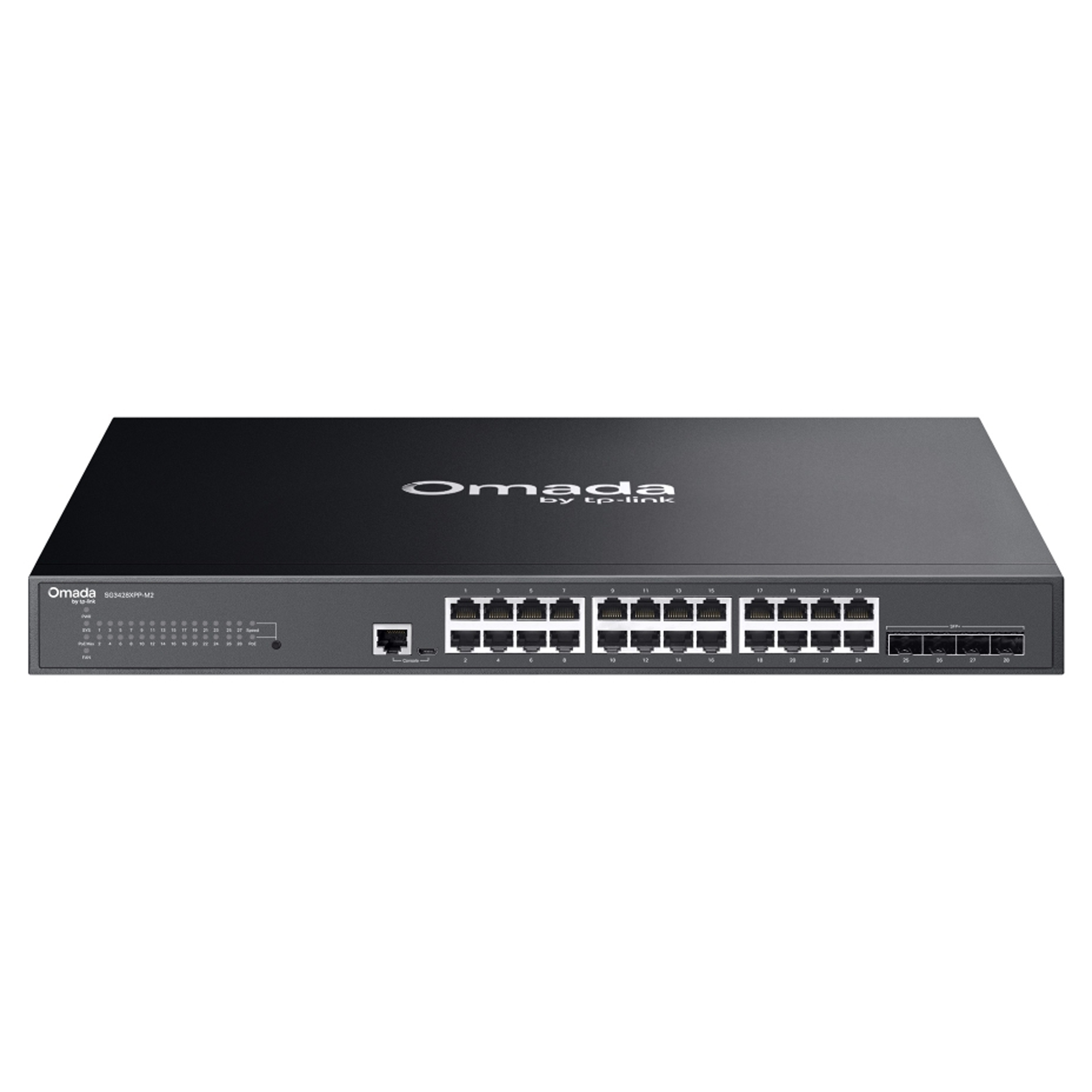
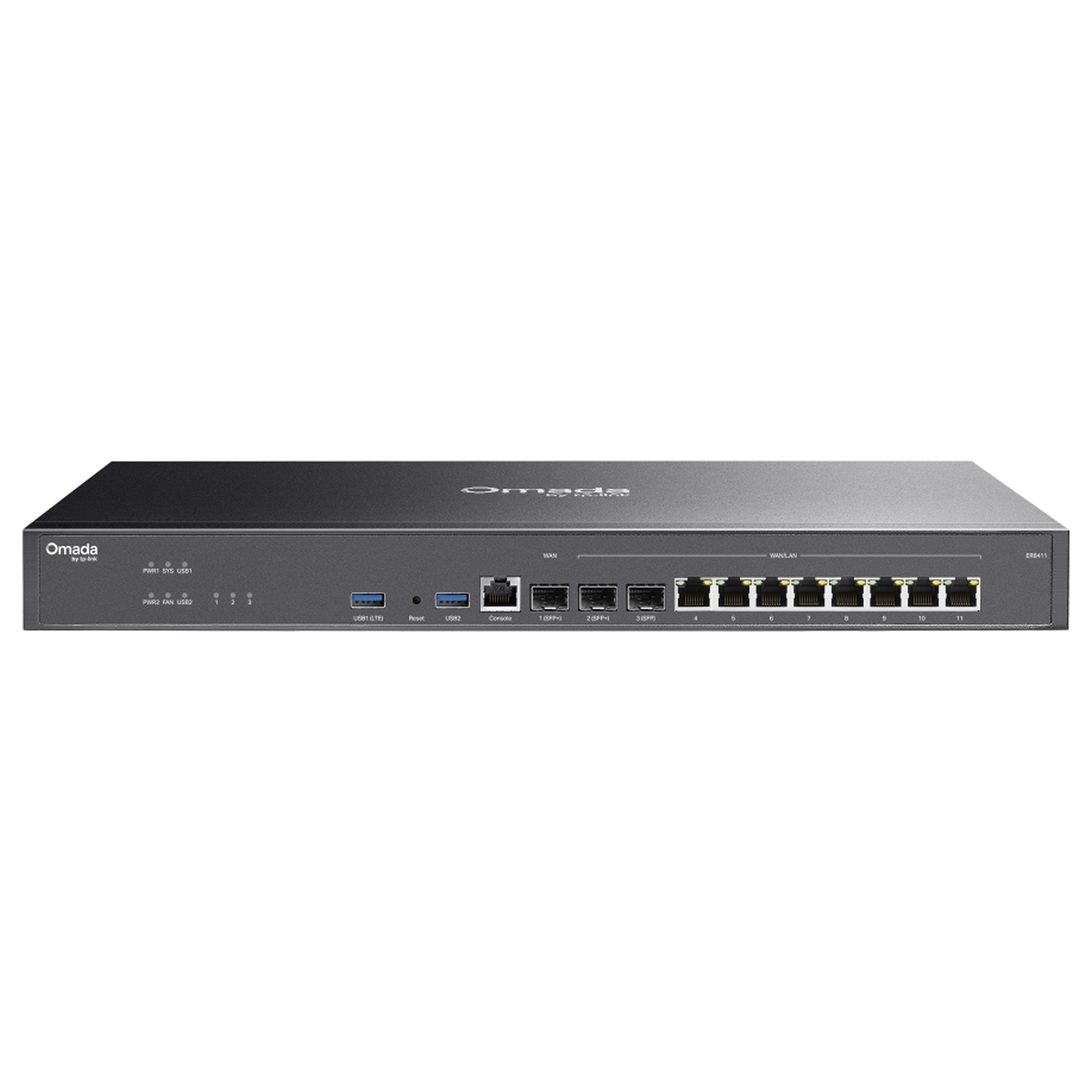
TP-Link has a significant business networking presence through its Omada platform, covering routers, switches, access points, and centralized network management.
For businesses that need centralized management and a broader networking ecosystem, TP-Link can therefore be particularly attractive.
A business evaluating alternatives may also want to compare its requirements against a MikroTik router, particularly when advanced routing, configuration flexibility, or RouterOS capabilities are important.
ASUS, meanwhile, is generally more compelling when the requirement centers on advanced consumer networking, high-performance home use, gaming, or enthusiast-oriented features.
For a business network, however, the router should not be selected in isolation. Switching, wireless access points, VLAN requirements, VPN connectivity, firewall policies, redundancy, monitoring, and future expansion all matter.
Security: TP-Link vs ASUS
Security is another area where you should compare specific models rather than assuming one brand is universally safer.
TP-Link offers HomeShield on supported products, with security and network-management capabilities varying by model and service level.
ASUS provides AiProtection on supported routers, with some models also offering additional parental-control, VPN, guest-network, and network-management features.
Regardless of brand, good network security starts with basic practices:
- Keep router firmware updated.
- Use a strong, unique administrator password.
- Enable WPA3 where your devices support it.
- Use a separate guest network for visitors and compatible IoT devices.
- Disable features you do not need.
- Replace old routers that no longer receive meaningful security updates.
These steps often matter more than choosing a router based solely on its logo.
Which Router Brand Offers Better Value?
Value is not simply about the lowest purchase price.
A router that costs less but lacks the ports, coverage, capacity, or features you need can become an expensive compromise. On the other hand, buying a premium gaming router for a small apartment with a modest internet plan may be unnecessary.
TP-Link has an advantage in breadth. Its range covers entry-level products through high-performance Wi-Fi 7 hardware and business networking solutions. That makes it easier to find a model that fits a particular budget and network requirement.
ASUS tends to be particularly attractive to buyers who care about advanced controls, gaming features, AiMesh, and higher-end consumer networking.
For professional installations, it is also worth considering how your networking equipment will work together. Businesses that want easier monitoring, scalability, and centralized administration can benefit from properly planned managed network infrastructure.
How to Choose Between TP-Link and ASUS
If you're still unsure about the tp link vs asus router decision, use this simple checklist.
Choose TP-Link if:
- You want a broad selection of networking products.
- You are interested in the Omada ecosystem for business networking.
- You want EasyMesh-compatible options.
- You want Wi-Fi 6 or Wi-Fi 7 choices across different price ranges.
- You prefer straightforward network management on supported consumer models.
- You need a router that can grow into a broader TP-Link networking setup.
Choose ASUS if:
- Gaming is one of your main priorities.
- You want extensive consumer networking controls.
- You plan to use AiMesh.
- You are interested in ASUS ROG or TUF gaming networking products.
- You want enthusiast-focused networking features.
- You are building a high-performance home network.
Final Verdict: TP Link vs Asus Router
There is no universal winner in the tp link vs asus router debate.
TP-Link is a strong choice for buyers who value product variety, business networking options, EasyMesh compatibility, and a wide range of Wi-Fi hardware.
ASUS is a compelling option for gamers, enthusiasts, and users who want advanced home-networking features and the flexibility of AiMesh.
The smartest purchase is the router that matches your internet connection, home or business environment, connected devices, coverage requirements, and future plans.
Instead of focusing solely on the brand, consider which router best matches your network needs, including connection speed, wireless coverage, available ports, security features, and room for future upgrades.
Upgrade Your Network with JRSGL
Whether you need a reliable home router, high-performance wireless networking, or a scalable business networking solution, choosing the right equipment is an important first step.
Explore networking solutions from JRS Global Technologies (JRSGL) and find equipment suited to your connectivity, performance, and deployment requirements.
Explore Networking Products
