

 IN
IN

Choosing the right router can make a noticeable difference to your internet experience. When comparing a TP-Link router vs a NETGEAR router, the decision is rarely as simple as picking the brand with the highest advertised speed. Your internet plan, number of connected devices, home size, networking needs, security preferences, and budget all play a role.
Both TP-Link and NETGEAR offer a broad range of networking products, from straightforward home routers to advanced Wi-Fi 7 and mesh systems. TP-Link also has a strong business networking portfolio through its Omada ecosystem, while NETGEAR is well known for its Nighthawk and Orbi product families.
The right choice depends on what you need from your network: compare the specific model, not just the brand name.
TP-Link Router vs NETGEAR Router: Understanding the Main Difference
At first glance, TP-Link and NETGEAR routers can look very similar. Both brands sell dual-band and tri-band wireless routers, mesh systems, and newer Wi-Fi 7 devices. The real difference is usually in how individual product families are designed and which features they prioritize.
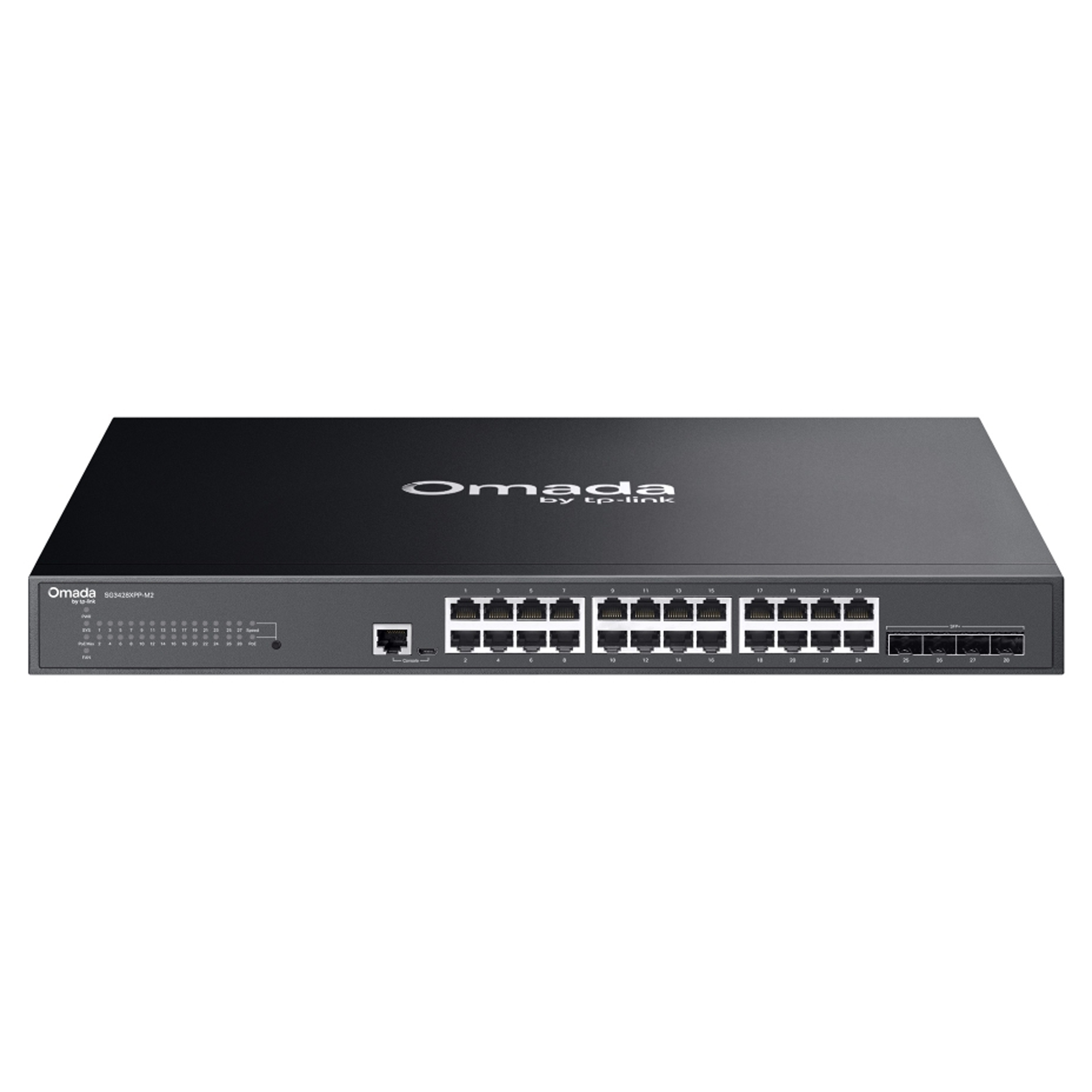
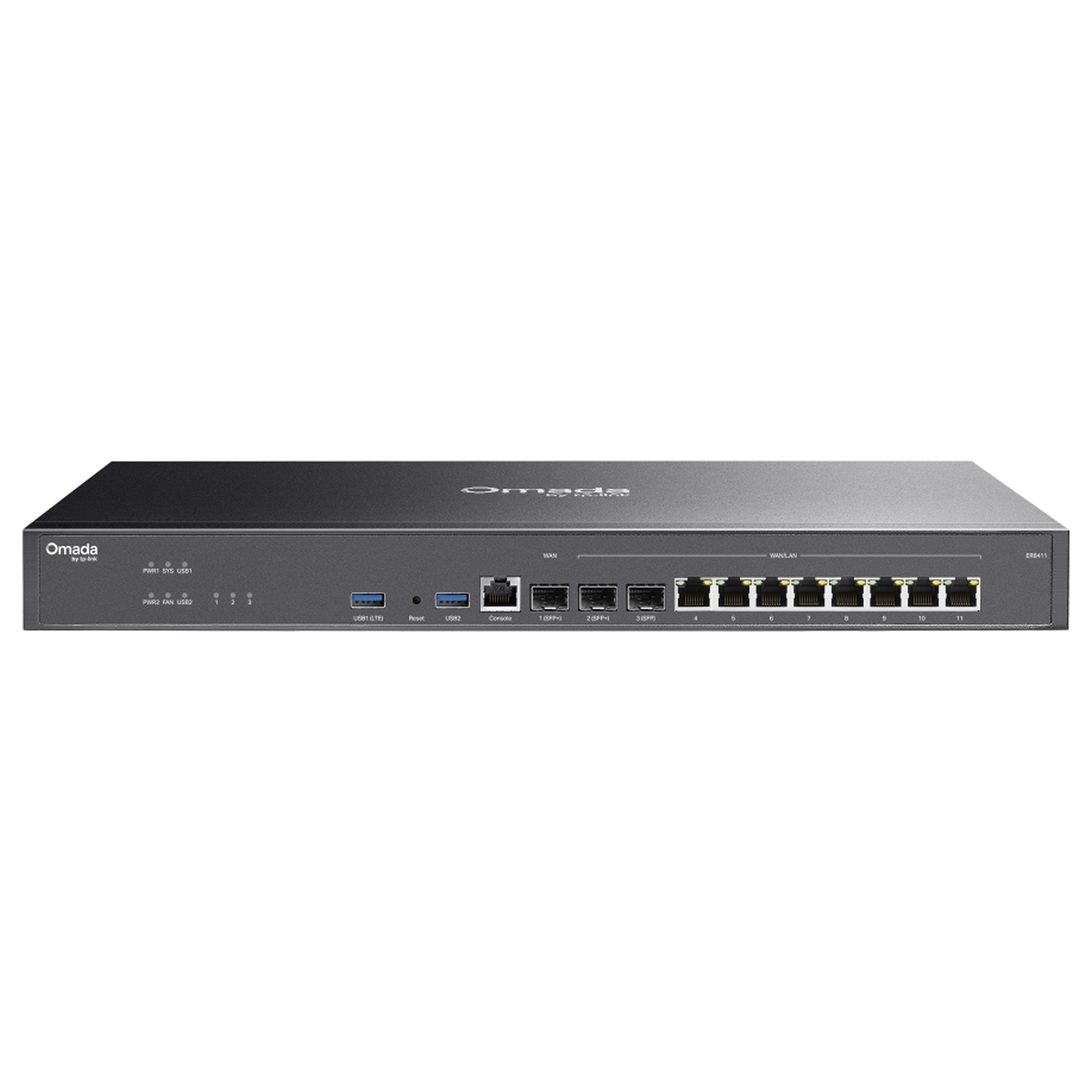
TP-Link's portfolio spans consumer and business networking, including Wi-Fi routers, whole-home mesh systems, VPN routers, access points, and Omada-managed equipment. JRSGL's TP-Link range similarly covers home, small-business, and more advanced network environments.
NETGEAR's consumer portfolio is particularly associated with Nighthawk routers and Orbi mesh systems. Current Nighthawk models include Wi-Fi 7 options aimed at users who want high wireless performance, multi-gig connectivity, and support for gaming or other high-bandwidth applications.
Speed and Wi-Fi Performance
Speed is one of the first specifications shoppers notice, but the number printed on a router's box does not necessarily represent the real-world speed you will receive. Actual performance depends on the Wi-Fi standard, client-device capabilities, channel conditions, interference, wired ports, your internet service speed, and the physical layout of your home or office.
Wi-Fi 7 introduces technologies such as Multi-Link Operation (MLO) and can operate across the 2.4 GHz, 5 GHz, and 6 GHz bands. However, which bands and features are actually available depends on the specific router model, whether your client devices support Wi-Fi 7, and the wireless regulations in your region — 6 GHz availability and permitted power levels are not identical everywhere, including across parts of Canada. Check a model's exact specification sheet rather than assuming full Wi-Fi 7 capability.
NETGEAR also offers Wi-Fi 7 networking products, including Nighthawk routers and Orbi mesh systems. Some current Orbi systems include multi-gigabit Ethernet and tri-band architectures designed to support busy households with many connected devices.
Don't choose a router solely because it says “BE” or shows a large Mbps number. Check whether your phone, laptop, gaming system, and internet connection can actually take advantage of those capabilities.
Coverage and Mesh Networking
Coverage can matter more than peak speed, especially in larger homes, multi-level buildings, and spaces with thick walls.
Traditional routers broadcast Wi-Fi from one central location. Mesh systems use multiple nodes to extend coverage throughout the property. TP-Link's Deco platform is built around this whole-home approach, with features such as seamless roaming, band steering, and self-healing capabilities on supported systems.
NETGEAR's Orbi family takes a similar whole-home approach. Models such as the Orbi 770 series use tri-band networking and enhanced backhaul capabilities to maintain connectivity across multiple nodes.
For a small apartment, a single quality router may be enough. For a larger home with rooms far from the main router, a mesh system can be a better investment. Before upgrading, consider whether moving the router to a more central, open position could improve coverage without replacing any hardware.
At a Glance: TP-Link vs NETGEAR
The table below summarizes how the two brands generally compare across the areas most shoppers care about. Individual models vary, so use this as a starting point rather than a final answer.
| Category | TP-Link | NETGEAR |
|---|---|---|
| Price positioning | Budget to mid-range strength, with premium Omada and Deco options | Mid-range to premium strength, especially Nighthawk and Orbi |
| Home routers | Wide range from entry-level to Wi-Fi 7 | Nighthawk line, strong at mid-range and above |
| Mesh systems | Deco series, broad selection across price points | Orbi series, premium tri-band and multi-gig options |
| Gaming | Depends on model; some Archer and Deco models offer gaming-oriented features | Nighthawk Pro Gaming models with dedicated QoS tools |
| Security | HomeShield, with basic features free and advanced tier paid | NETGEAR Armor, with basic protections included and full features paid |
| Business networking | Strong Omada ecosystem: routers, switches, access points | Available but smaller footprint than consumer line |
| Centralized management | Omada Software Controller / cloud management | Insight app for select business and Orbi Pro products |
Features and Network Management
TP-Link's Omada products support centralized management and business-oriented networking features, which makes the platform appealing to organizations that want more control over multiple devices. JRSGL's TP-Link collection includes Omada VPN routers and other business networking equipment.
NETGEAR's consumer lineup emphasizes products that are easy to deploy while still offering advanced capabilities. Nighthawk targets demanding users, while Orbi focuses on whole-home mesh coverage.
The more useful question isn't which brand has the longer feature list — it's whether you need basic Wi-Fi, advanced parental and security controls, VPN functionality, multi-gigabit networking, centralized management, or a scalable mesh setup.
Security and Firmware Updates
A modern router is more than a device that distributes internet access — it's also part of your network's security. Look for WPA3 support, guest networking, automatic firmware updates, secure administration, and reliable manufacturer support.
NETGEAR's current Orbi products include WPA3 and automatic firmware updates. Its NETGEAR Armor security suite adds threat protection, but full functionality typically requires a paid subscription beyond the basic protections included with the device.
TP-Link also provides ongoing firmware support across its product lines, and many current routers include HomeShield. HomeShield's core security and parental-control tools are available at no extra cost, while its more advanced features — such as enhanced threat detection and deeper content filtering — are part of a paid HomeShield Pro subscription.
Security also depends on how the router is configured. Use a strong administrator password, enable available security updates, replace default credentials, and review connected devices regularly.
Ease of Setup
Both TP-Link and NETGEAR offer guided configuration and mobile management apps, but the experience varies by product family and network complexity. A simple home router with a few devices may take only minutes to set up; a mesh system, VPN router, or business network requires more planning.
If you're unsure whether an issue is related to your router or your internet connection, our guide on modem vs router explains how the two devices work together.
Pricing and Long-Term Value in Canada
Both manufacturers offer entry-level, mid-range, premium, and Wi-Fi 7 products, and a more expensive router isn't automatically the better fit for your home.
Based on current listings from Canadian retailers and authorized resellers, entry-level TP-Link and NETGEAR routers typically sell under CAD $100, mid-range Wi-Fi 6/6E models generally fall in the CAD $150–$300 range, and premium Wi-Fi 7 routers or multi-node Orbi and Deco mesh systems can run from roughly CAD $500 to over $1,500 depending on the configuration. Neither manufacturer publishes a fixed Canadian price list, so these are general market ranges, not official MSRPs — confirm current pricing and availability with an authorized reseller such as JRSGL before buying.
A few Canada-specific points are worth checking before you buy:
- Buy from an authorized reseller: JRSGL and other authorized retailers sell hardware that qualifies for the manufacturer's full Canadian warranty; grey-market or parallel-import units sometimes do not.
- Confirm regional availability: Not every global TP-Link or NETGEAR model is sold or supported in Canada, particularly some Wi-Fi 7 and 6 GHz-band variants.
- Check ISP compatibility: Confirm the router supports your provider's connection type, such as cable, fibre, or PPPoE, and, if you're replacing a modem-router combo, whether you need a separate modem.
- Review the warranty terms: Coverage length and support channels can differ between TP-Link and NETGEAR and between product lines.
If your internet plan is relatively modest and you mainly browse, stream video, and connect a few smartphones, an enterprise-style or top-tier Wi-Fi 7 router likely won't add much practical benefit. A household with multi-gigabit internet, gaming PCs, multiple 4K/8K streams, smart-home devices, and many simultaneous users is more likely to benefit from faster wireless standards and multi-gigabit Ethernet.
Which Is Better for Gaming?
Gamers typically care about low latency, stable connectivity, wired Ethernet performance, and network traffic management. A fast wireless standard helps, but it doesn't guarantee a better gaming experience — internet congestion, server distance, Wi-Fi interference, and the quality of the connection to the gaming device all affect latency.
Connecting a gaming PC or console through Ethernet is often preferable when practical.
Between the two brands, the right choice comes down to the specific model's port configuration, processing power, wireless features, and traffic-management tools.
Which Router Is Better for Small Businesses?
A small office's requirements can differ significantly from a typical home. Businesses may need VLANs, VPNs, multiple access points, centralized management, guest networks, firewall features, dependable uptime, and room to expand.
TP-Link's Omada ecosystem gives it a particularly broad business networking presence, which can be attractive when a business wants a coordinated network of routers, switches, and access points. NETGEAR also has business-oriented products, but its consumer reputation is strongest around Nighthawk and Orbi.
For businesses evaluating broader networking infrastructure, our guide to MikroTik networking solutions can provide useful context when comparing platforms.
Practical Recommendations
An entry-level TP-Link Archer or NETGEAR router covers everyday browsing, streaming, and a handful of connected devices without paying for capabilities you won't use.
TP-Link's Deco lineup offers a wide range of whole-home mesh price points, while NETGEAR's Orbi is a strong option when tri-band performance and dedicated backhaul bandwidth matter more than price.
Look at NETGEAR's Nighthawk Pro Gaming series for dedicated QoS and traffic-prioritization tools, or a higher-tier TP-Link Archer/Deco model with strong wired ports and low-latency features.
TP-Link's Omada ecosystem is generally the more scalable choice when you need centralized management across multiple routers, switches, and access points.
Final Verdict: TP-Link Router vs NETGEAR Router
There isn't a single winner. TP-Link suits buyers who want a broad range of consumer and business networking equipment, including scalable Omada solutions and a wide selection of Deco mesh options.
NETGEAR suits buyers focused on Nighthawk performance routers or Orbi whole-home mesh, particularly when high wireless performance and premium home-networking features are priorities.
Start with your actual needs, then find the model — not just the brand — that matches them:
- What internet speed are you paying for?
- How many devices connect at the same time?
- Do you need whole-home coverage?
- Do you need Wi-Fi 6, Wi-Fi 6E, or Wi-Fi 7?
- Are multi-gigabit Ethernet ports important?
- Is the router for a home, home office, or business?
- Do you need centralized network management?
- How much are you comfortable spending?
For a straightforward home network, both brands offer capable options. For larger homes, a mesh system from either manufacturer can outperform a single router. For businesses and more structured deployments, TP-Link's Omada ecosystem is worth considering because it extends beyond the standalone home-router model.
The best router is ultimately the one that fits your internet plan, coverage requirements, connected devices, security expectations, and future upgrade plans.
Get the Right Networking Solution with JRS Global Technologies
Choosing networking hardware is easier when you match the equipment to the environment rather than simply buying the fastest model available.
JRS Global Technologies (JRSGL) provides networking products and technical solutions for customers in Canada, including TP-Link equipment for home, small-business, and professional networking needs.
Browse the TP-Link router collection to compare current models, or contact JRSGL for help choosing the right setup for your home or business.
Explore TP-Link Networking Solutions Contact JRSGL
